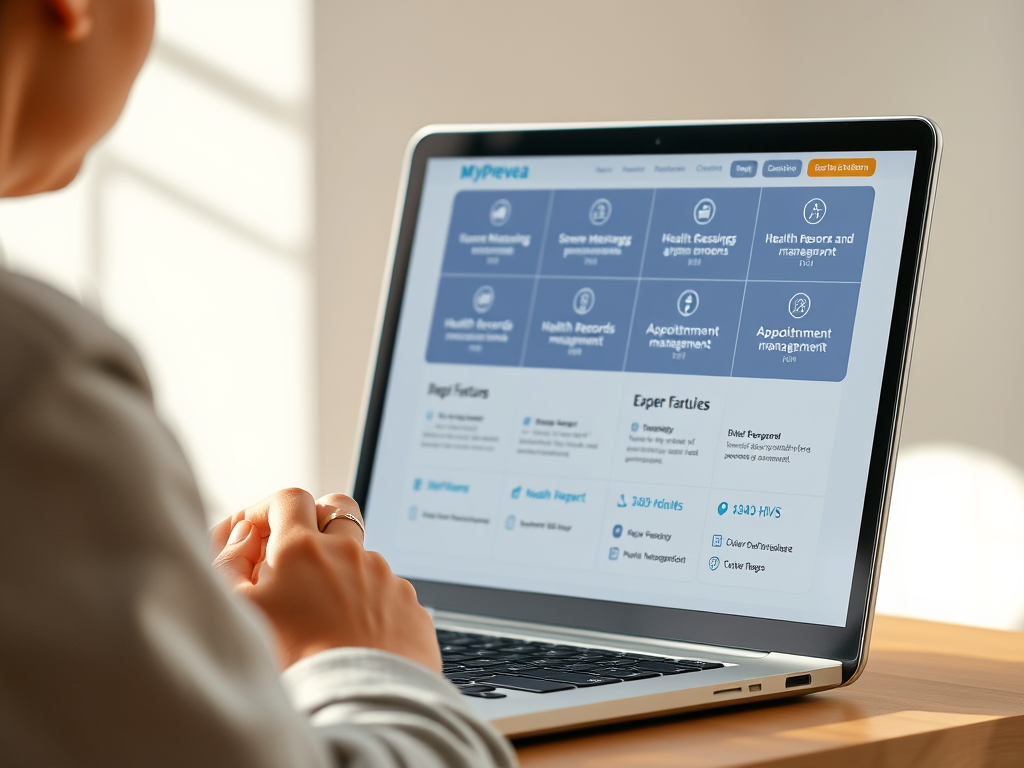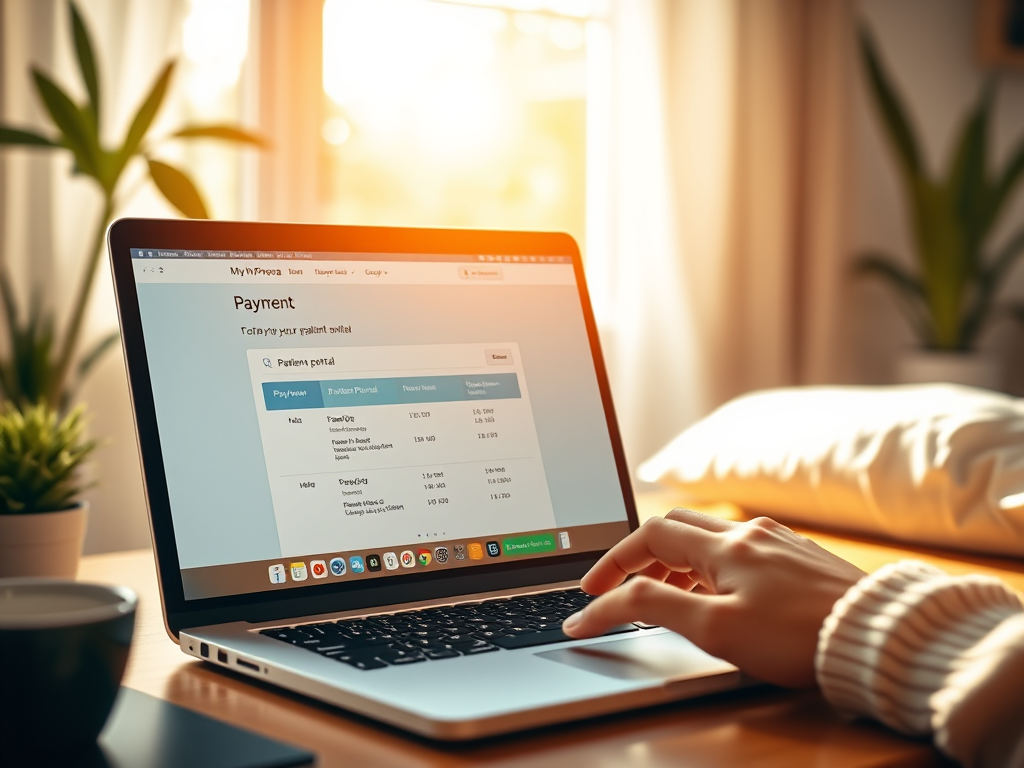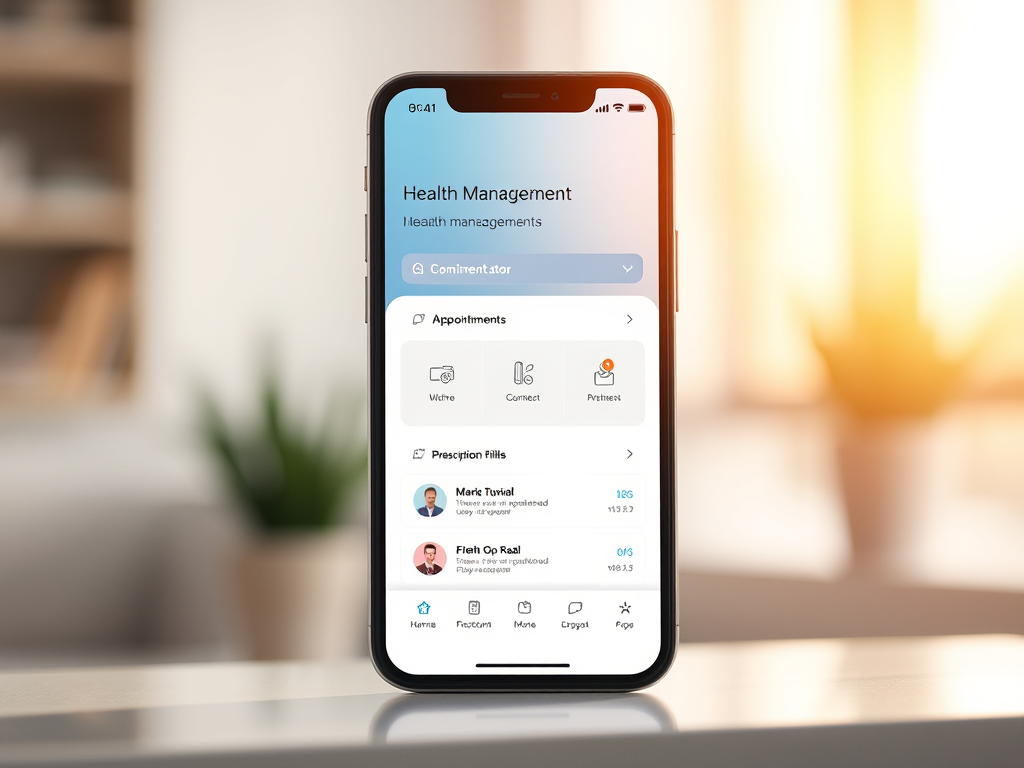
Download the MyPrevea app, it allows you to do the same things you can do on the MyPrevea patient portal with your laptop or desktop computer (message your doctor, refill a prescription, etc.), but on your mobile devices, plus:
- Find the nearest Prevea Urgent Care
- “Find a doctor” and schedule an appointment by searching name, location, or specialty
- “Find a location” to find a Prevea Health Center by zip code or services
- Pre-register with eCheck-in
MyPrevea App Features
MyPrevea App is built with many features, it gives you secure access to your personal health information anytime, anywhere.
- Schedule appointments
- View your health summary, current medications, and test results
- Exchange secure messages with your care team
- Request prescription refills
- Track your immunization history
- Pay a bill
- Request Your Medical Records
- Start a Prevea Virtual Care
- Obtain a price estimate
- Manage your family’s health care with MyPrevea Proxy Access
- Use eCheck-in to register for an appointment
- Sign up and manage text alerts
How to Download MyPrevea App
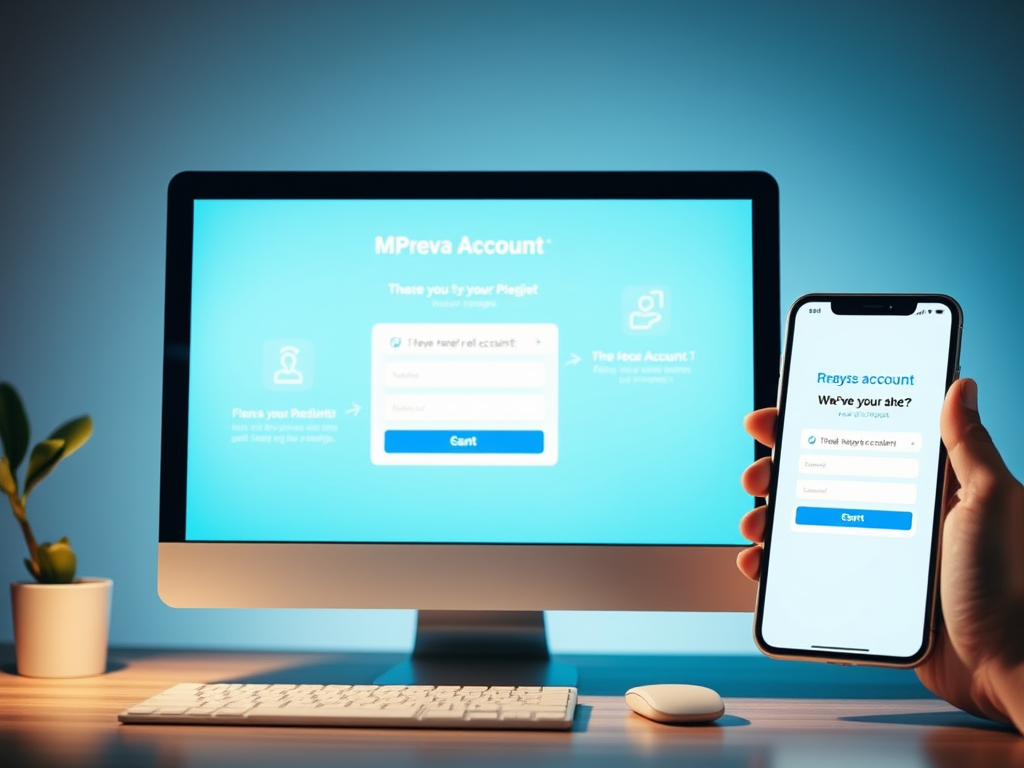
*Note: Some features of the MyPrevea app require you to have an existing MyPrevea account. If you do not currently have a MyPrevea account, sign up for free.
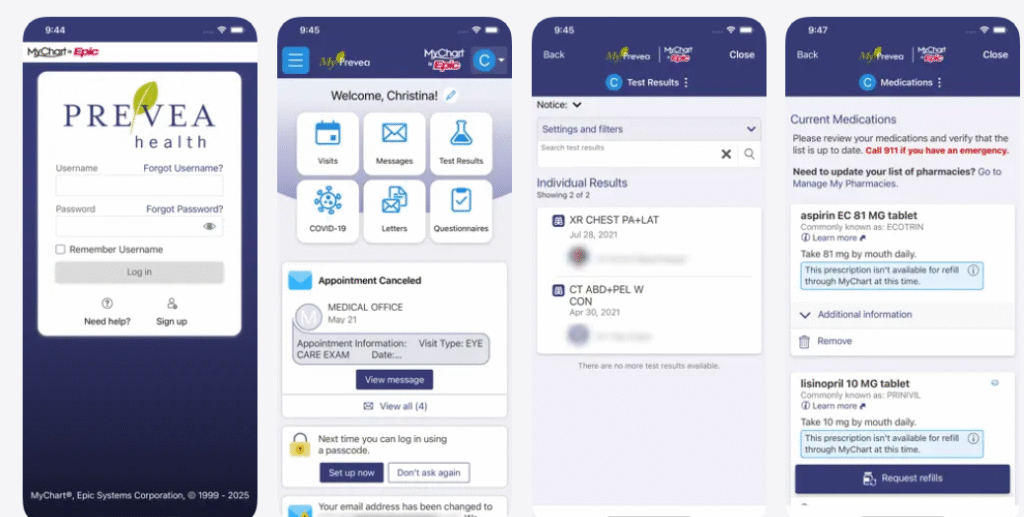
Further enhance your MyPrevea experience by downloading the MyPrevea app at
- Google Play or the
- App Store.
MyPrevea Patient Portal Login
MyPrevea login portal is a convenient, secure, and confidential online resource. It gives you access to your personal health information anytime, anywhere. To log in to your account;
- Go to MyPrevea Login page
- Enter your MyChart Username
- Enter your Password and click Log in