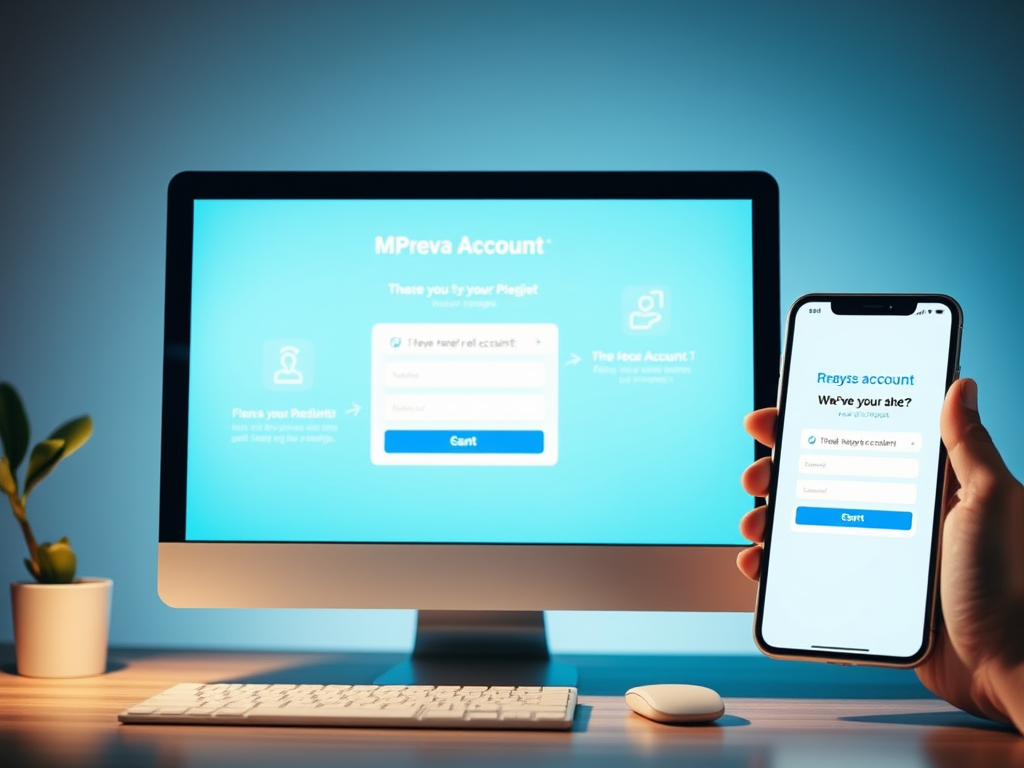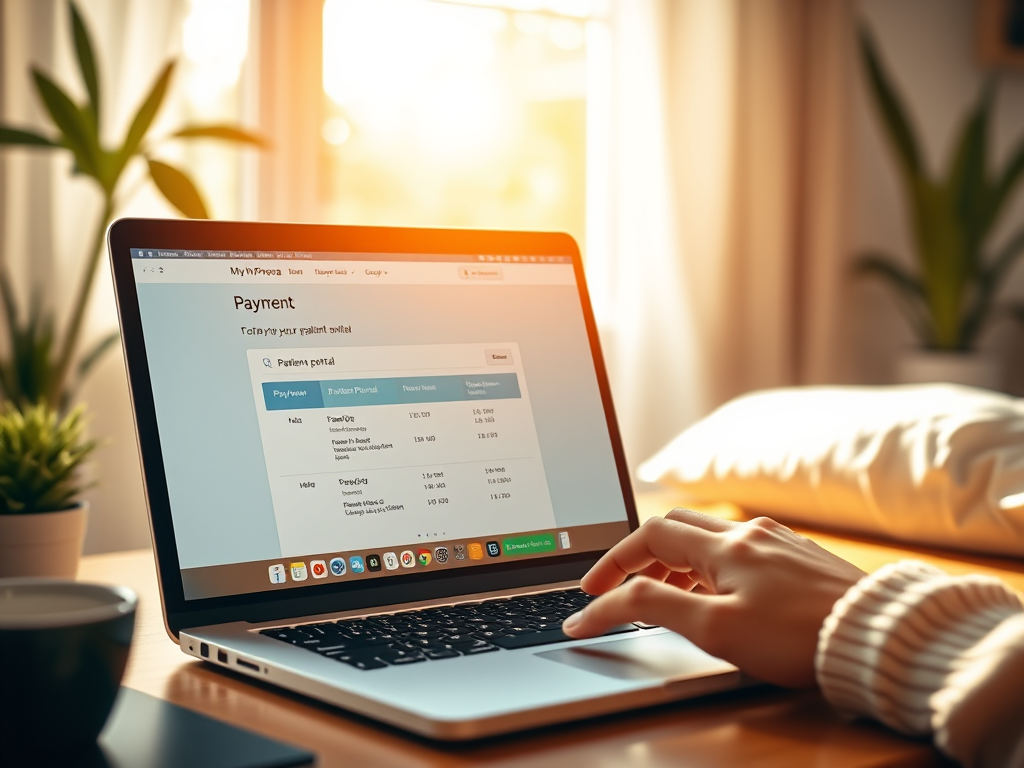
You can pay your bill online through MyPrevea patient portal. Log in to pay your bill, or click on ” Pay as a guest. If you are not a registered MyPrevea user, you can request to sign up for myPrevea account.
Pay Your Prevea Bill: Online, Phone, or Mail Options
Paying your Prevea healthcare bill is a straightforward process with several convenient options available inclucding myPrevea mobile app.
You can choose the method that works best for you. Here is a clear, step-by-step guide on how to make a payment for your Prevea bill.
Online Payment (myPrevea)
This is the fastest way to view your statement and make a secure payment.
- Visit the Patient Portal: Go to the official MyPrevea patient portal login. If you are a new user, you will need to sign up using your personal information and account details.
- Log In: Use your username and password to access your myPrevea account.
- Navigate to Billing: Once logged in, look for a “Billing,” “Pay Bill,” or “Statements” section in the menu.
- Review and Pay: You can view your current balance and past statements. Follow the prompts to enter your payment information (credit/debit card or bank account) and submit your payment. You will receive an electronic confirmation.
Payment by Phone
If you prefer to speak with someone, you can contact Prevea’s centralized billing department.
- Call the Billing Number: Dial the phone number listed on your paper bill or statement. This is typically (800) 236-4260.
- Have Your Information Ready: Please have your bill or account number ready. Also, have your payment method ready. This can be a credit or debit card, or your bank account details, to provide to the representative.
- Follow Instructions: The automated system or representative will guide you through the payment process.
Payment by Mail
For those who prefer traditional mail, you can send a check or money order.
Use the Provided Envelope: Use the return envelope that came with your paper bill.
Include Your Payment Slip: Always include the top portion of your bill. This is the payment stub. Include it with your check or money order. This ensures your payment is applied to the correct account.
Write Your Account Number: On the memo line of your check, write your Prevea account number.
Mail to the Correct Address: Send your payment to the remittance address printed on your bill, which is typically:
Prevea Health
PO Box 92977
Rochester, NY 14692-8977
Prevea Billing Questions
- Call Patient Accounts at (920) 496-4775 or (888) 477-3832. Send us a message through MyPrevea or Chat with us in the bottom right-hand of your screen.
- Business office hours: 8 a.m. to 4:30 p.m., Monday – Friday
Prevea Health billing statements include account information for all family members who have used Prevea services.
Once a patient turns 18, we will automatically establish an account in that person’s name. If a young adult is attending school, billing statements can be sent to the parent’s address or the patient’s address.
In cases of divorce, the parent with whom the minor children live will be considered the responsible party. He/she will receive all billing statements and correspondence from Prevea Health.